
Flora listens.
She remembers you.
A free app that gives your phone a face. She talks with you, learns who you are and remembers what matters. She thinks with your own AI key, so you pay the AI company for what you use, and nothing to us.

On a computer? Point your phone’s camera here to open this page on the phone, then tap Download.
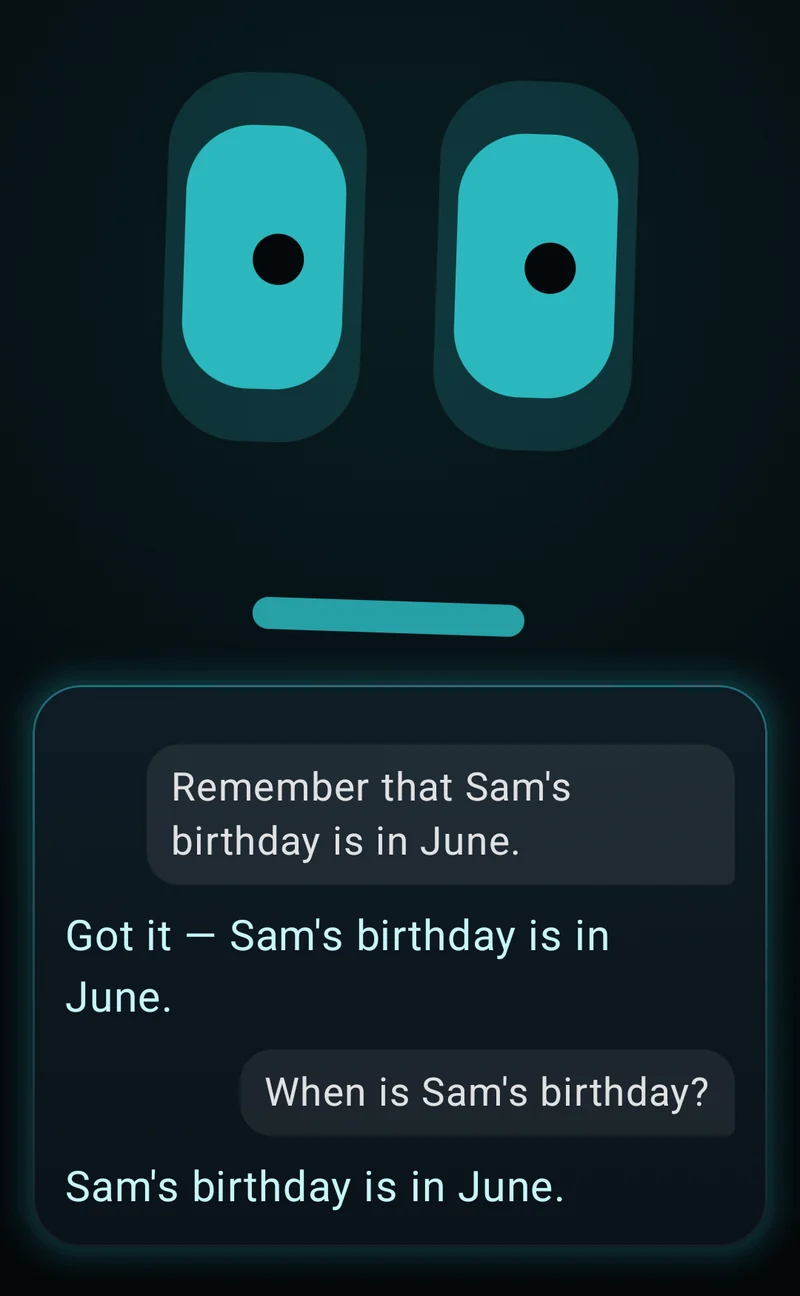
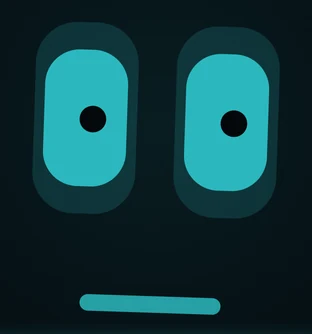
Say it, and she does it
- “Hey Flora”
- Switch it on and she listens for her name while her app is open, even behind another app. Or tap her face, or just look at her once she knows yours.
- “Remember me”
- She learns your face and knows you when she sees you. What she learns about your face never leaves the phone.
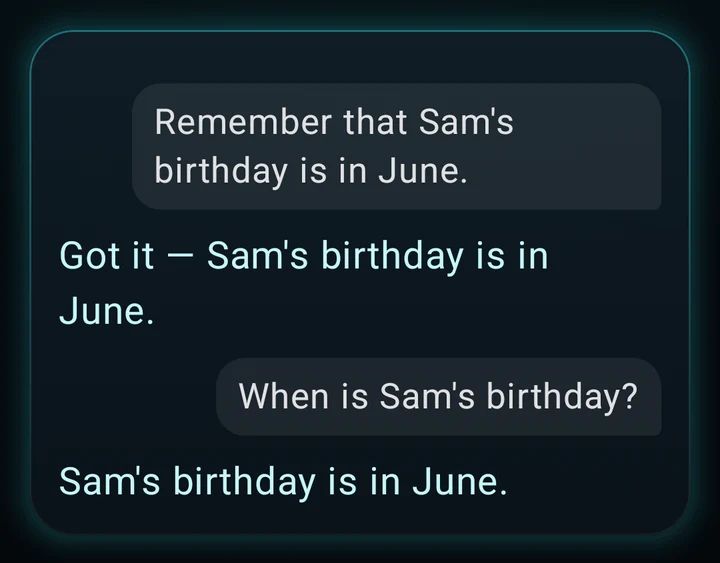
- “Remember I take my coffee black”
- She keeps it. Read or forget any memory in Setup › Memory.
- “What’s this?”
- She takes one picture with the back camera, and your AI company tells her what is in it.
- “Open WhatsApp”
- She opens any app by name, and “Play …” searches YouTube Music or YouTube.
- “Do I have butter in the pantry?”
- She checks the list you keep in Setup › Pantry, and tells you.
Set her up in four steps
Download and install
Tap Download on your phone. Chrome may warn about the file, and Android asks once to allow installs from your browser. Both are normal outside the Play Store.
Download for AndroidEarly access · 0.5.1 · 292 MB · Android 8+Get your own AI key
Make one at DeepSeek or OpenRouter and add some credit. You pay them per use: a short exchange with DeepSeek costs about R0.003 or less (measured 27 Sep 2026), so R20 covers thousands.
Give her the key
Open her and allow the camera. In Setup › Brain, tap your AI company, paste the key and tap Save and test, then switch on Use my own keys.

Say hello
Tap her face and talk. Look at her and say “remember me”.
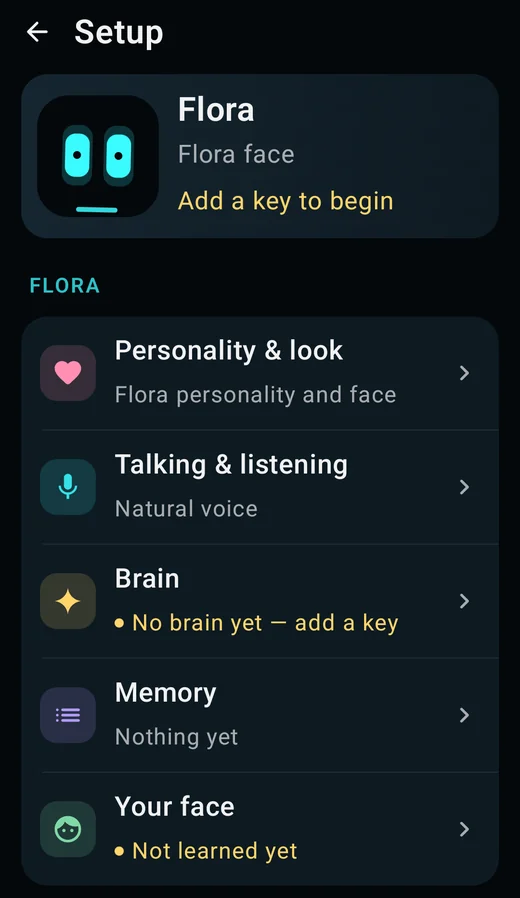
Won’t install? In Settings, search “Install unknown apps” and allow your browser. Still stuck? Tell us.
Your data, plainly
Seidr Labs receives update checks and downloads you choose. Successful automatic checks are spaced six hours apart; retries, manual checks and opening Help & diagnostics can check sooner. Update notices are quiet; Android asks before installing.
Kept on the phone
- Face data and your AI keys, encrypted; her memories (read or forget any in Setup › Memory) and your chats.
- What her camera sees, to know who is there. It stays on until you force-stop her, and after a restart waits until you open her.
- “Hey Flora”, heard by her own speech model. Looking at her also starts her listening (Look to listen, on by default).
Usage figures, to Google
- Google’s face and label tools (ML Kit) report the phone, app version, speed and install IDs, never pictures (Google’s disclosure). MediaPipe does too, only if you turn on Gesture cues.
Sent, and where to
- When you talk, to your AI company (or your own hub, if you pair one): your words, recent chat, the memories that matter, who she recognises, and whether the phone is charging, tilted, lit or moving. If her own listener is still starting or can’t make you out, your phone’s speech service (usually Google’s) listens instead.
- “Learn from our chats” (on by default): after each answer, the exchange goes back to your AI company to pick out what to remember; each night while charging, the last day’s chats and all her memories go there to be tidied. Off: Setup › Memory.
- A picture, to your AI company, when you ask her to look (“what’s this?”, or “look at me” for the front camera), ask what to cook, or tell her where a thing is kept. An ordinary question can take one too, and each shows on screen as it goes. Off: Setup › Talking & listening › Pictures when I ask. Look around now in Setup › Cameras still takes one.
- Phone voice: with Natural voice on, replies go to your phone’s voice service (usually Google’s). With Phone selected and Natural voice off in Setup › Talking & listening, she uses an installed offline phone voice.
- Optional ElevenLabs: if you select ElevenLabs and add your own key, reply text goes to ElevenLabs and uses your account’s credits. Select Phone to stop using ElevenLabs; switching off Natural voice alone does not turn it off.
Facts and updates
Tap Check for updates in Setup › Help & diagnostics. Android installs it only if its signature matches your Flora.
- Latest version
- 0.5.1
- Released
- 2 Oct 2026
- Download size
- 292 MB
- Needs
- Android 8+
- Android will ask for
- First open: the camera.
- If you allow the camera: notifications (Android 13+), then once, to skip battery saving. You can say no.
- First talk, or “Hey Flora”: the mic.
- Updating from the app: permission to install her updates.
What’s new in 0.5.1
- Say use the cat face, use the robot face, or switch your face to Mochi. Six animated styles are available.
- Ask list your faces or which face are you using. These controls change her appearance.
- Help keeps a Confirm update action if Android could not show its installation prompt while another app was open.
- Stop listening, name memory, conversation context and listening timing improvements from 0.5.0 are included.
- Controls fade after seven seconds without a touch. Tap once to show them; an expanded chat or keyboard stays open.
Check the file (SHA-256)
- File fingerprint (SHA-256)
41830aa713334a36 be9664a0 ca7a0e64 4343e496 17bdfdbd 9be52665 17603098 - Signing certificate (SHA-256)
D8:EA:11:8A:48:27:BC:EC: 75:E1:49:6B: FD:68:9E:95: 70:81:0E:D4: A4:BB:3D:7D: 7E:93:B9:20: A8:6B:FB:9E
Check a download yourself: sha256sum prints its fingerprint and apksigner verify --print-certs its certificate.
Tell me once. I’ll remember.
Download for AndroidEarly access · 0.5.1 · 292 MB · Android 8+